GateControl Community Client
VPN client for Windows with WireGuard integration
About this product
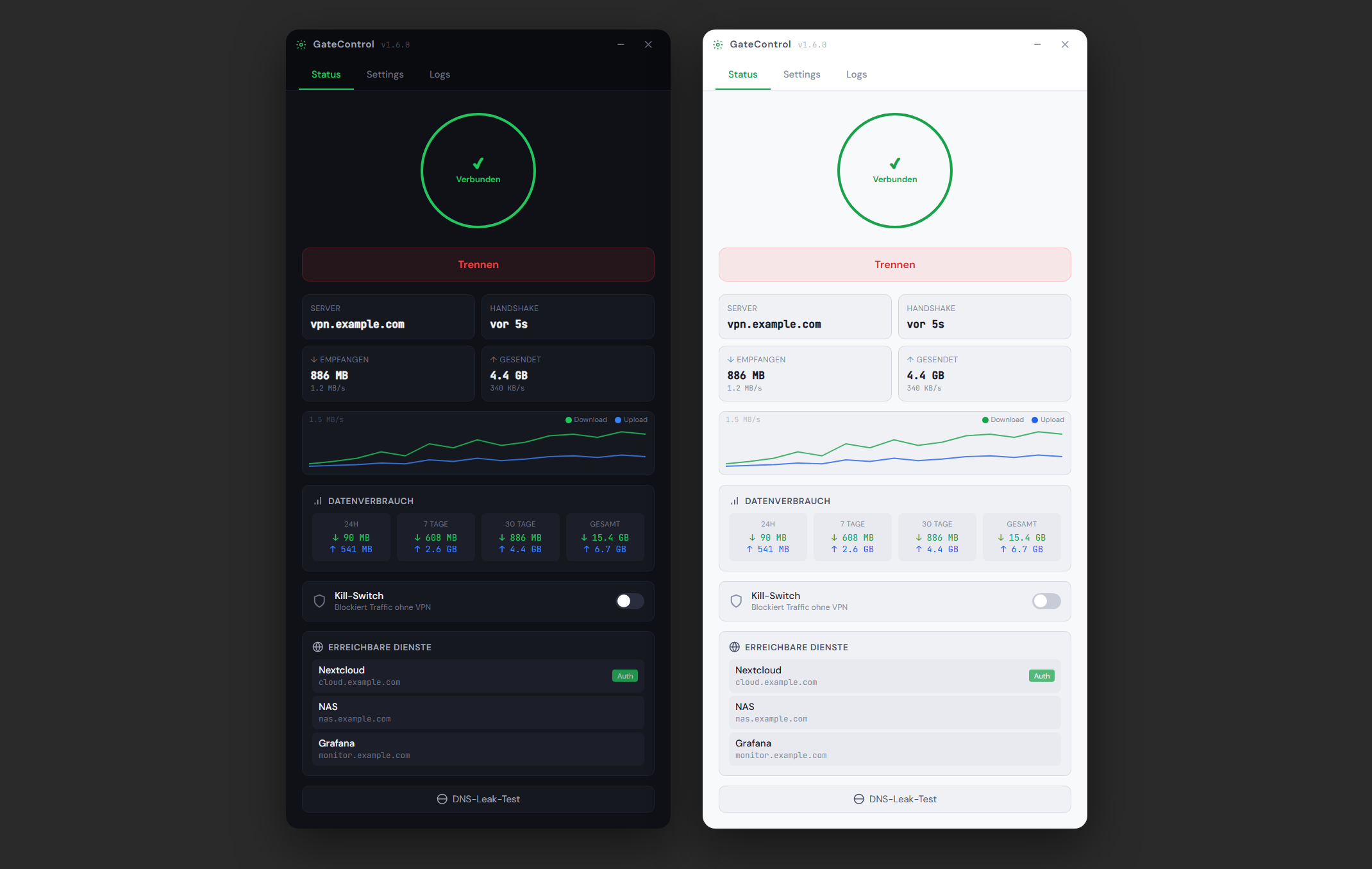
The official Windows client for your GateControl server. Unlike the standard WireGuard client, which only supports manual .conf file import, the GateControl Client offers three setup methods: API connection to your server, .conf file import, and QR code scanning via webcam.
The biggest advantage: Via the API connection, the client automatically registers as a peer, downloads the WireGuard configuration and keeps it up to date through config polling. When something changes on the server, the configuration is synced automatically — no manual updates like with other clients. On top of that, it features a kill switch for leak protection, auto-reconnect with exponential backoff and an unobtrusive tray integration. WireGuard does not need to be installed separately — everything is embedded.
From zero to fully connected in minutes
Deploy
One Docker command. GateControl starts with WireGuard, Caddy, and the web interface ready to go.
Connect
Create VPN peers, scan the QR code with your phone, or download the config for your server. Connected in seconds.
Expose
Add a domain, pick a peer, set the port — your service is live with automatic HTTPS. No port forwarding needed.
Ready to get started?
Start in minutes. Free, no account required, no tracking.